

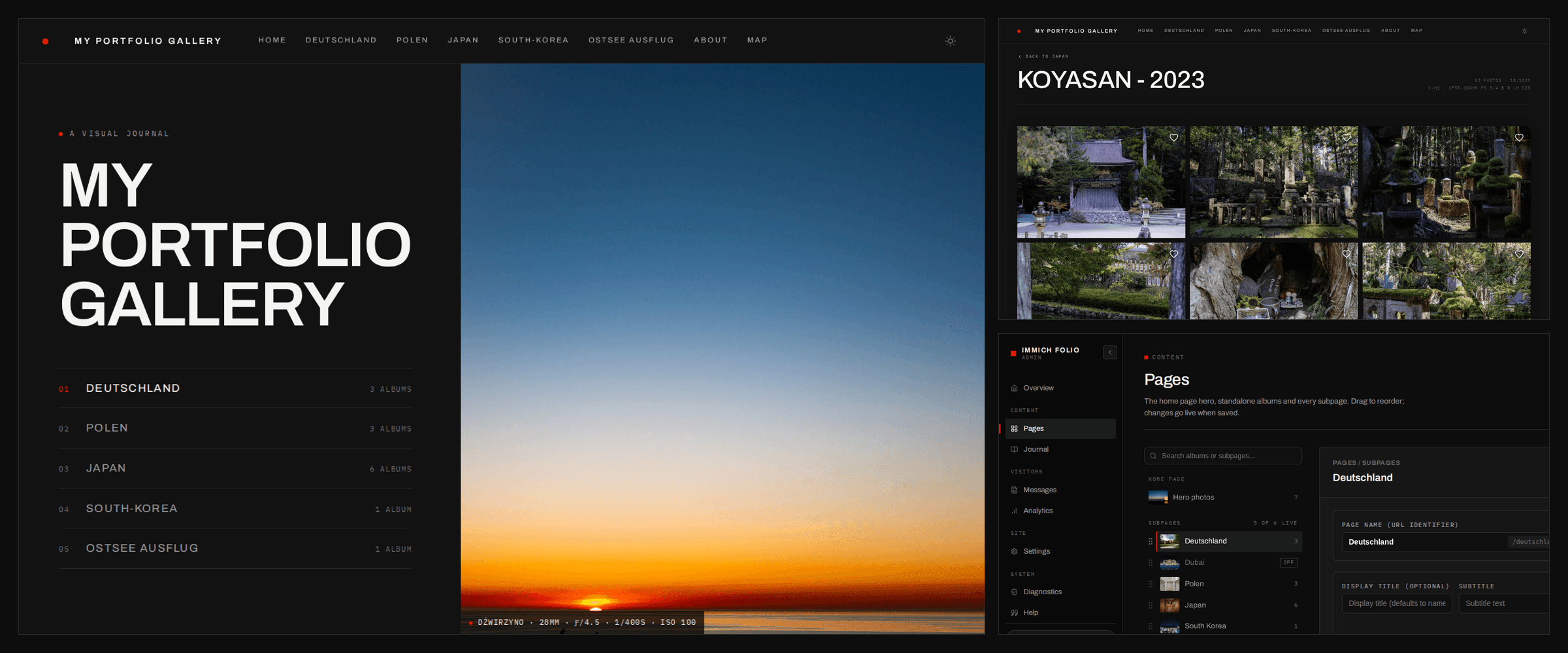
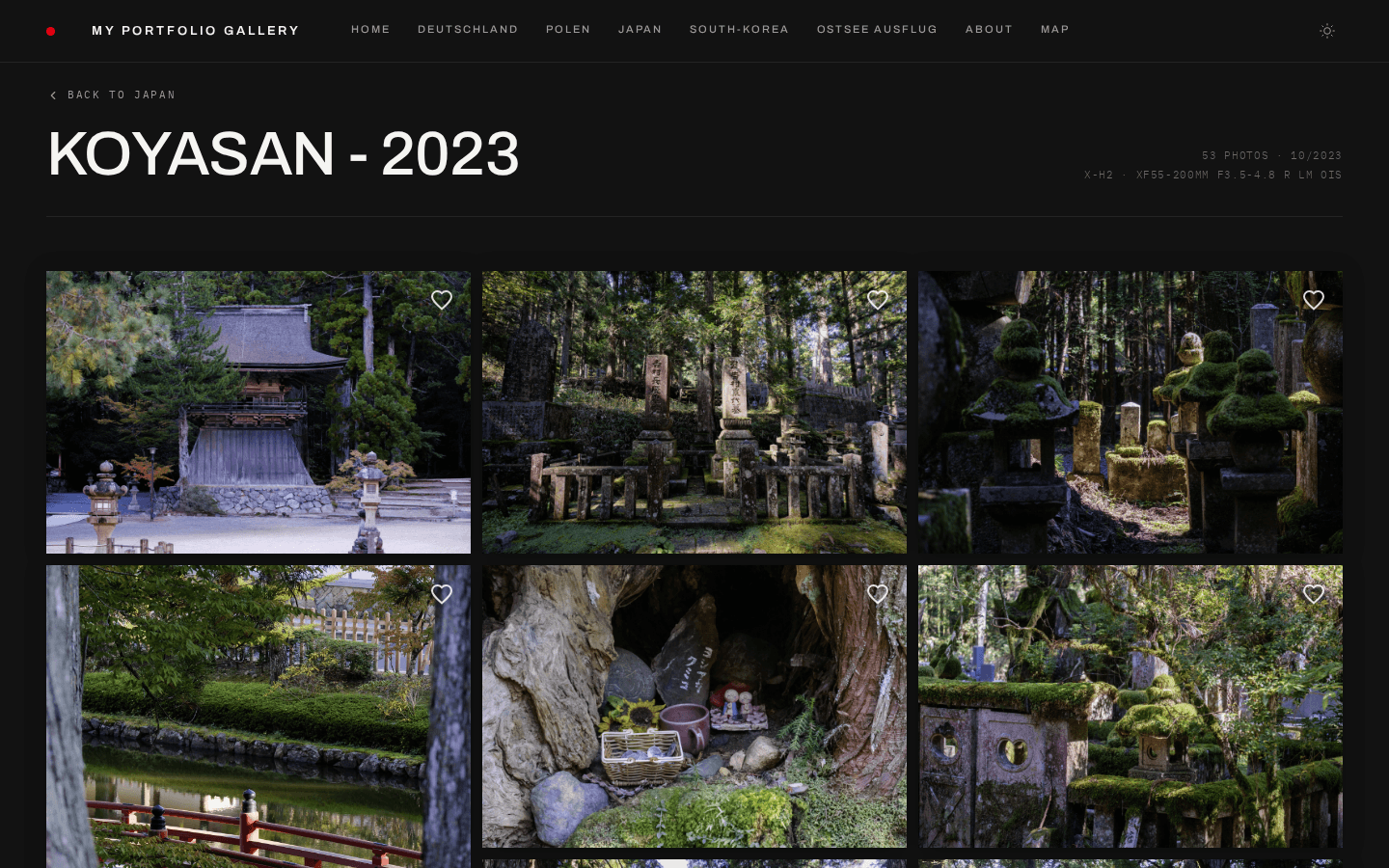
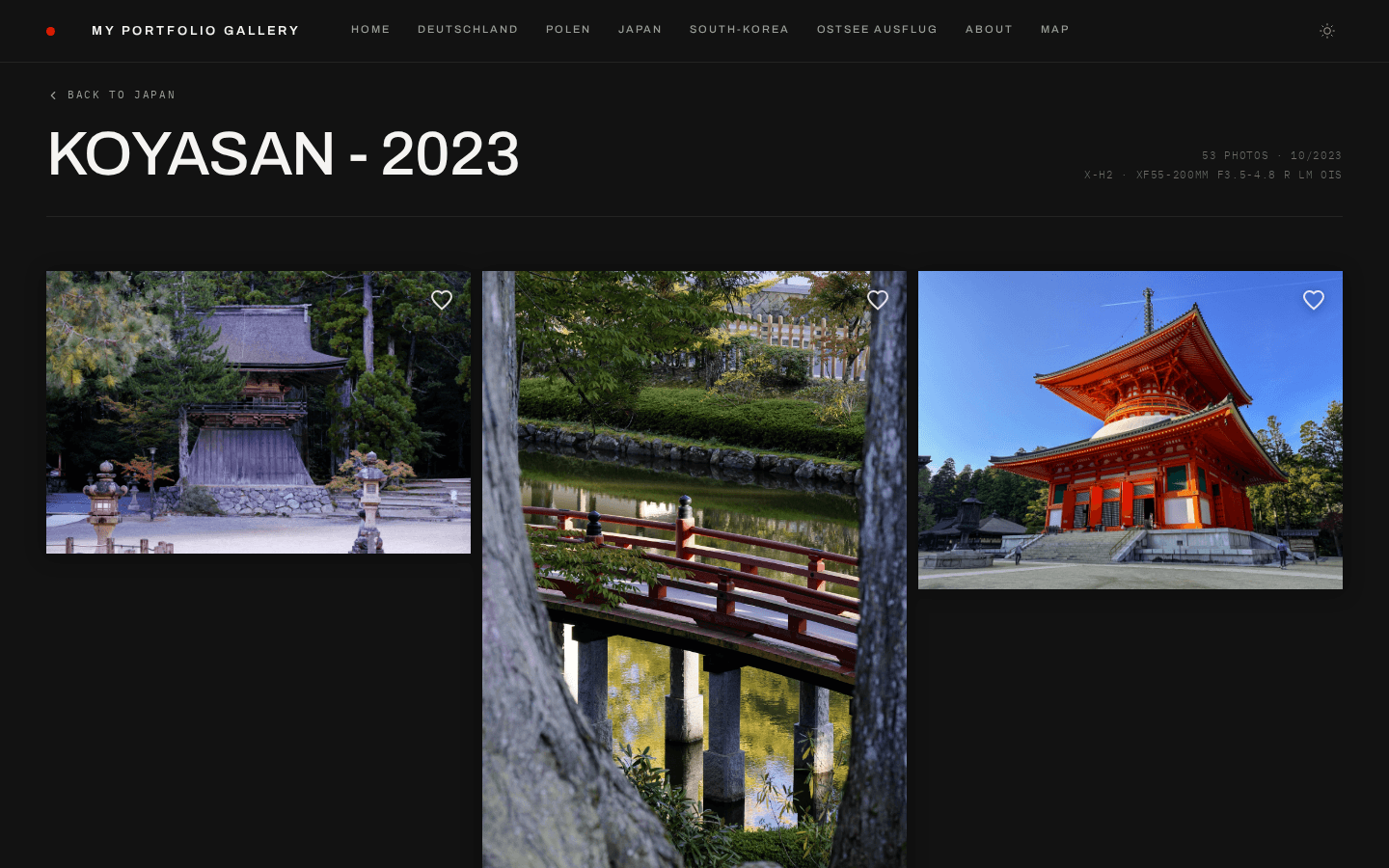
Masonry and showcase, both in Studio Modern — the same album, a different grid layout.
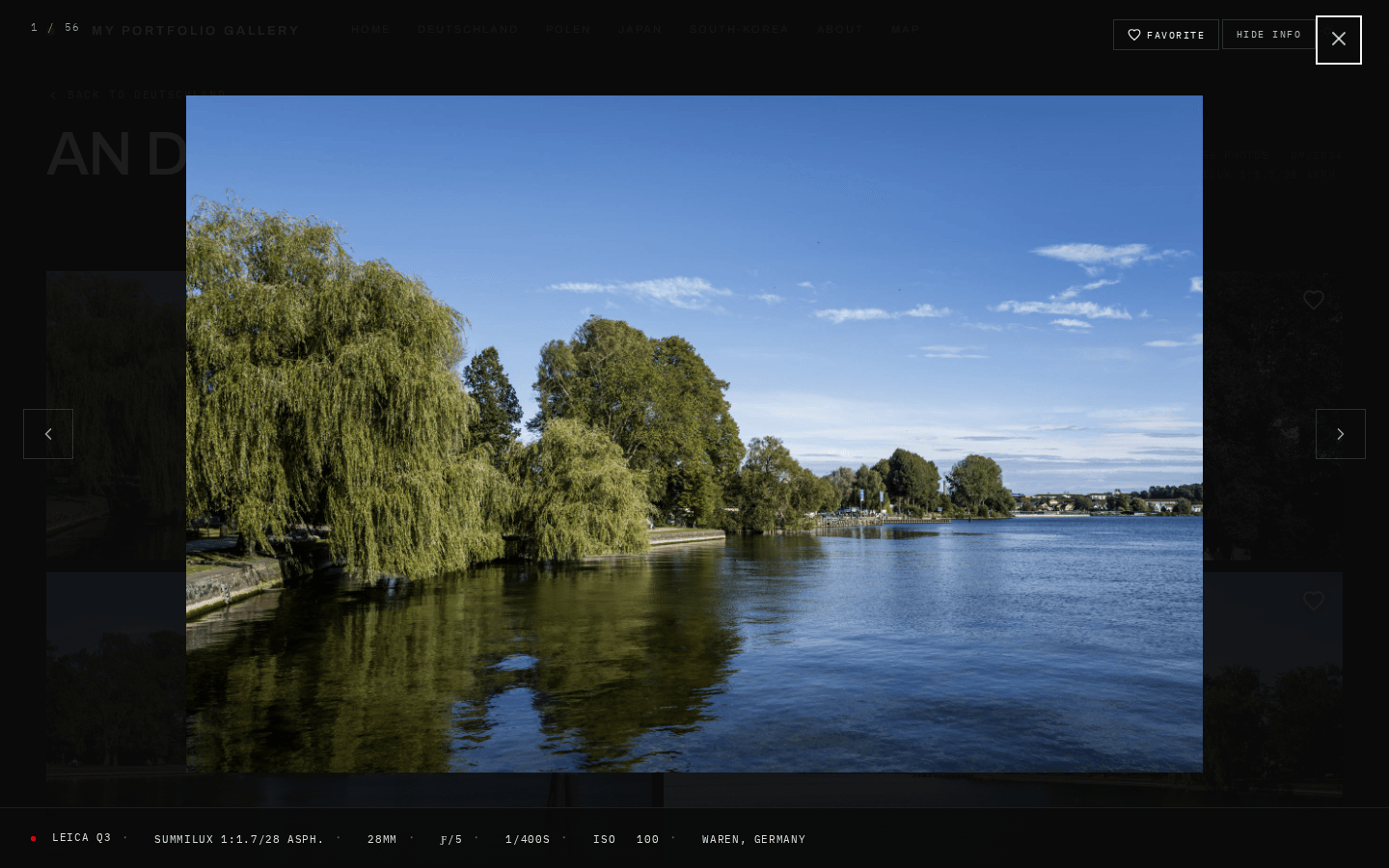
The fullscreen lightbox with the EXIF panel — camera, lens and exposure for the frame on screen.
### Content & Organization - **Subpage grouping** — organize albums into named collections (e.g. `/japan/tokyo-2023`) - **Auto-generated slugs** — URL slugs derived from album names automatically - **YAML gallery config** — all gallery structure defined in a single `content/gallery.yaml` file - **Markdown about page** — `content/about.md` with frontmatter for portrait, name, location, and gear list, editable from the admin panel - **Journal** — photo essays and travel stories at `/journal`, with drafts, per-entry passwords, cover images and reading times; new entries can start from a template (wedding, hiking, travel, …) - **Photo Essay mode** — long-form storytelling pages alternating text with fullbleed, paired and grid image layouts, facts lists, a slice of an album, and a map with the pins you choose — typed places, or photos placed by their GPS - **Unlisted subpages** _(experimental)_ — reachable by direct link, absent from the navigation - **Subpage on/off toggle** — take a page offline without deleting it - **External navigation links** _(experimental)_ — point the header at a shop, a blog, or a social profile - **Client proofing** — clients favorite photos and export the selection; picks stay in the visitor's browser and the URL, with nothing stored server-side (proofing links, below, do save them) - **Client proofing links** — a private link per client and album, picks saved server-side, a submit that locks the selection and pings you via webhook, expiry dates, download limits, and a Lightroom-ready export of the chosen file names ([guide](docs/gallery-config.md#client-proofing-links)) - **Originals delivery** — per-album opt-in lets visitors download a whole album or their proofing selection as a ZIP of the originals, with GPS coordinates removed from JPEG, HEIC and AVIF files - **Lightbox watermark** — configurable overlay on fullscreen images - **Six interface languages** — English, German, French, Spanish, Italian and Dutch for everything visitors see - **Privacy-friendly analytics** — cookieless view counts, no third parties, can be switched off - **Dynamic OG images** — auto-generated social preview images per album
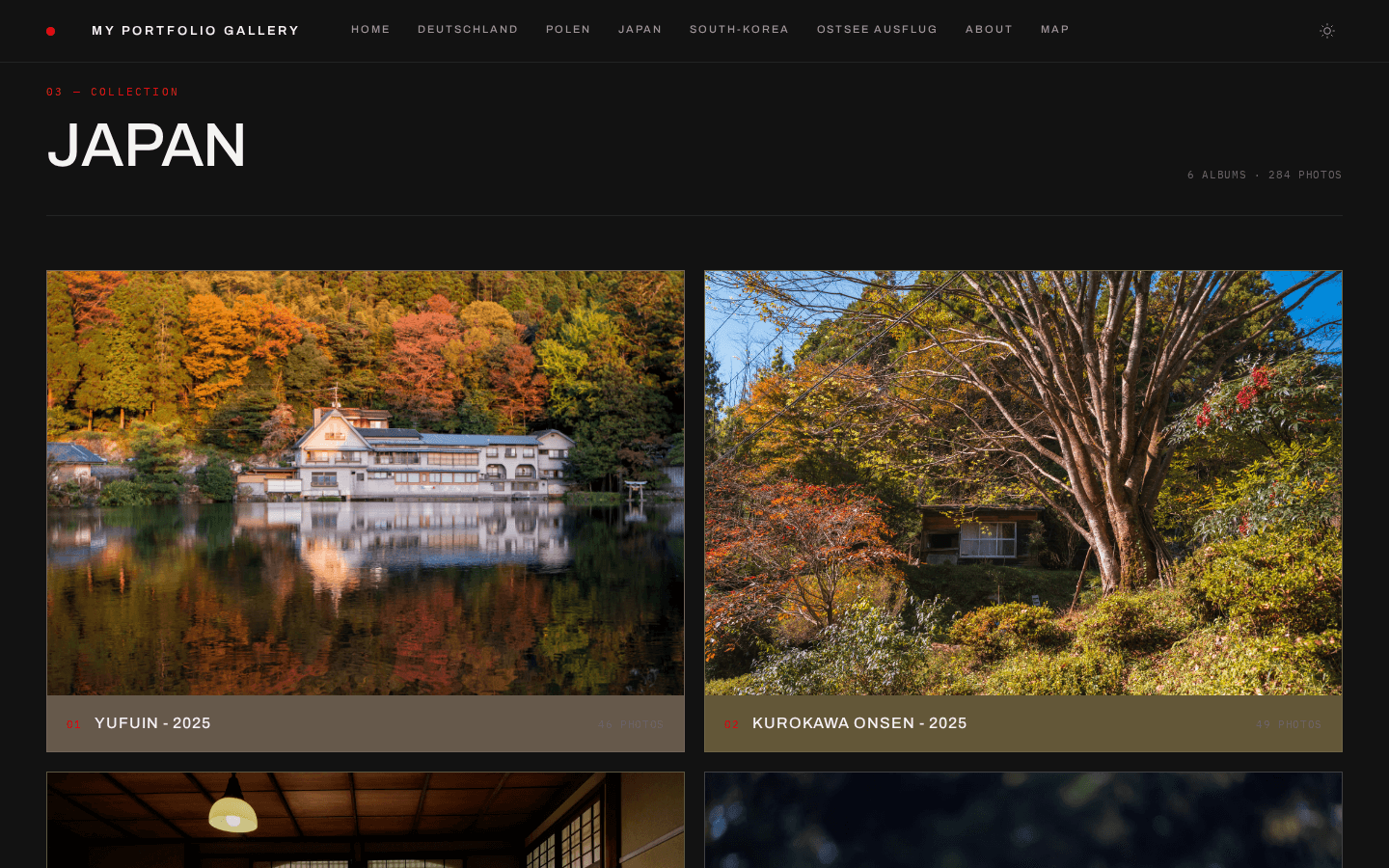
A subpage grouping several albums into one collection.
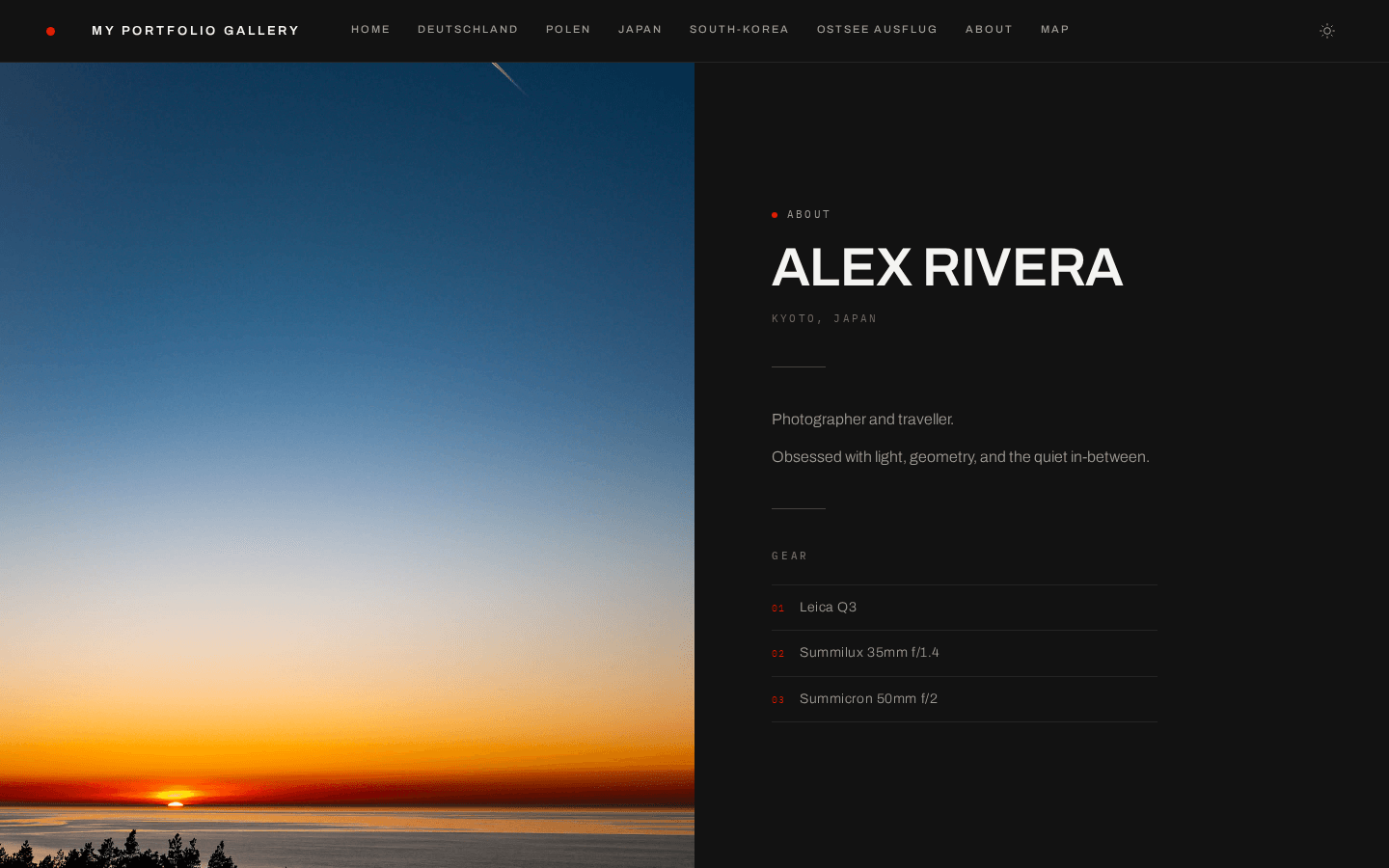
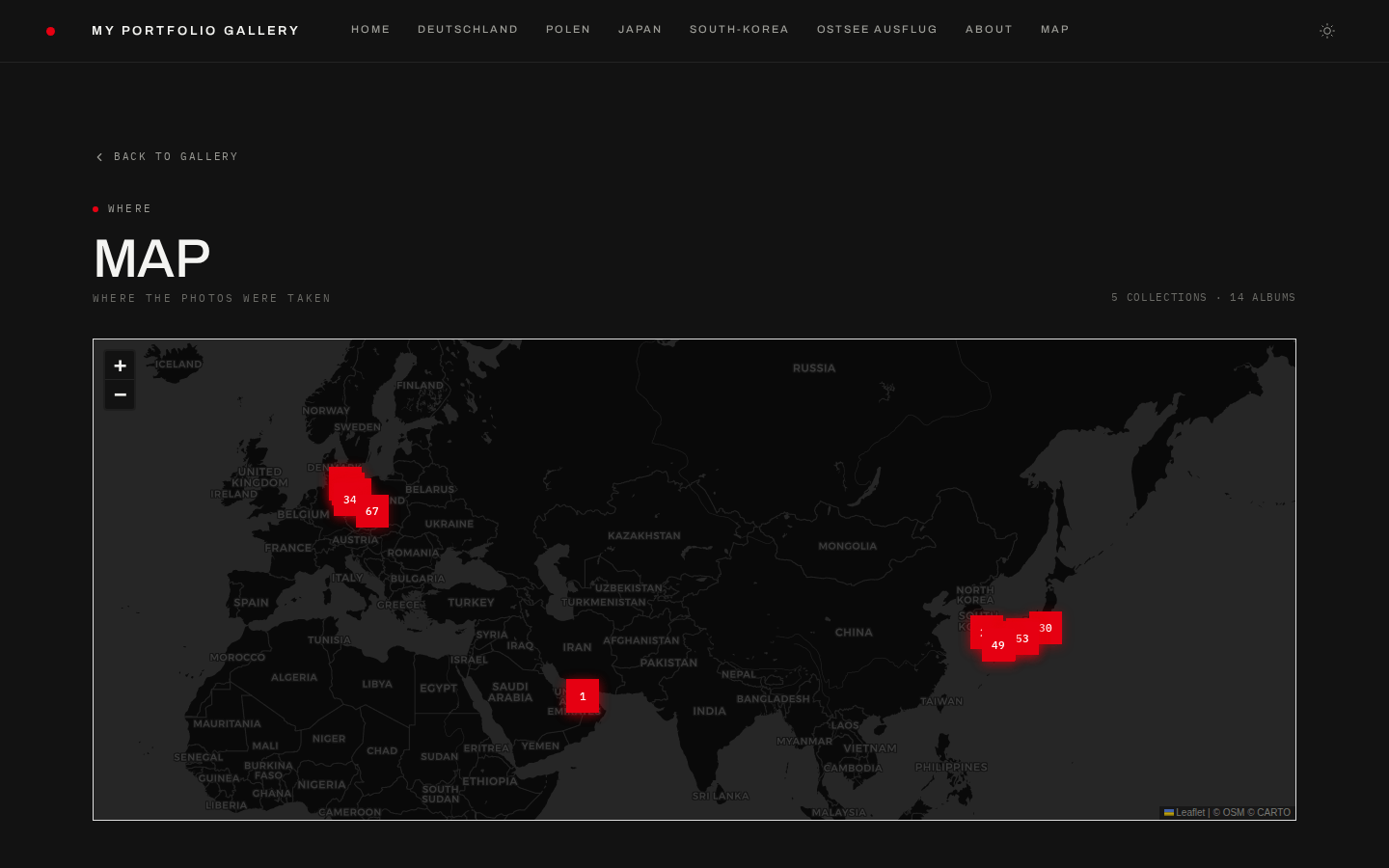
The Markdown about page and the GPS map, both generated from your Immich data.
### Admin Panel - **Visual page builder** — drag & drop interface to manage hero images, standalone albums, subpages, and sections - **Album picker** — browse all shared Immich albums with search, see photo counts, and add them with one click - **Settings editor** — configure theme, grid layout, footer, legal/impressum, SEO, image protection and the about page from a visual UI - **Visual previews everywhere** — grid layout, theme, photo frame, hero style and the Google search snippet are picked from preview cards instead of text fields - **Journal Studio** — split-screen block editor with a live preview of the real page; start from a template, drag blocks into order - **Essay block editor** — assemble photo essays block by block without touching Markdown - **Unsaved edits survive** — leave the page builder or the journal editor mid-edit, and your changes are waiting when you come back - **Diagnostics** — a page that checks the Immich connection, config and security settings, and links every finding to its fix - **Photo order editor** — drag & drop a hand-picked opening sequence for any album - **Favicon upload** — give the site its own icon in the browser tab - **Backup manager** — every save is backed up automatically; restore any of them with one click - **Live YAML sync** — changes are written directly to `gallery.yaml` and `settings.yaml` with automatic backups - **Password protected** — secured with its own admin password, separate from album passwords
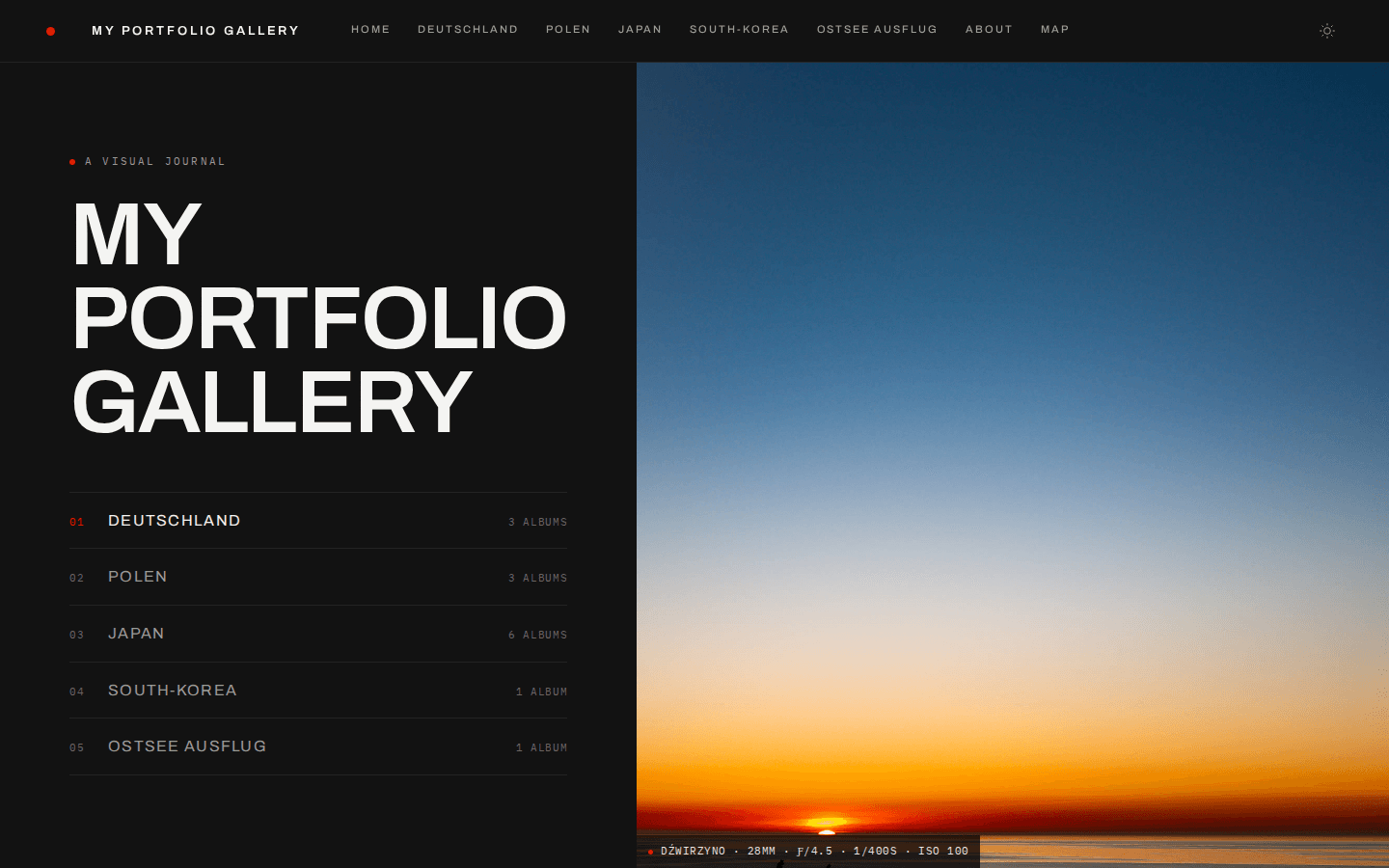
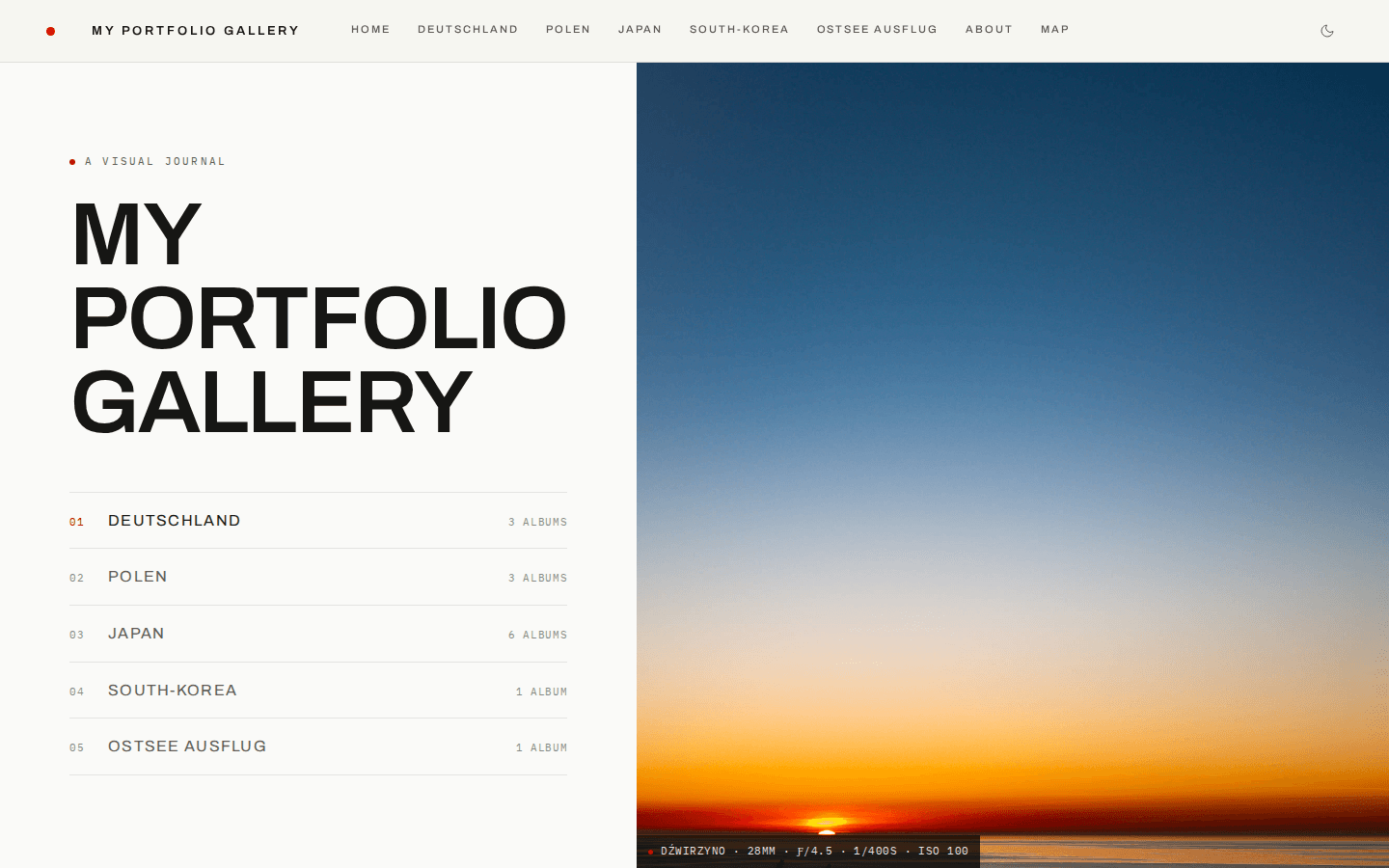
Studio Modern, dark and light — every preset ships both, and visitors switch with a toggle in the navigation bar.
```yaml theme: studio-modern # or: studio, minimal, editorial, classic, noir, monograph, # kunsthalle, ma, cyanotype, salon, birch ``` → **[View all Themes & Configuration Guide](docs/theming.md)** ## Docker ### Docker Compose (recommended) ```yaml services: lightbox: build: . container_name: immich-folio restart: unless-stopped ports: - '7211:7211' env_file: - .env.local volumes: - ./content:/app/content ``` Run with: ```bash docker compose up -d ``` The gallery will be available at `http://localhost:7211`. > The `content/` volume must be **read-write** — the setup wizard, the admin > panel, the journal and the backup rotation all write into it. A `:ro` mount > leaves the wizard unable to complete and the admin panel unable to save. For standalone `docker run`, the health check, TLS behind a reverse proxy, and what the gallery does while Immich is unreachable: → **[Deployment Guide](docs/deployment.md)** ## Admin Panel A built-in visual editor at `/admin` lets you manage your gallery without editing YAML files manually. **Enable it** by setting `ADMIN_PASSWORD` in your environment: ```env ADMIN_PASSWORD=your-secure-admin-password ``` Or set the password in the [setup wizard](#first-run-setup), which stores it as an scrypt hash rather than in your environment. An `ADMIN_PASSWORD` variable takes precedence over the stored one if both are present. Then navigate to `http://your-site/admin` and log in. The panel is protected by its own password, separate from any album passwords, and writes straight to `gallery.yaml` / `settings.yaml` with automatic backups.
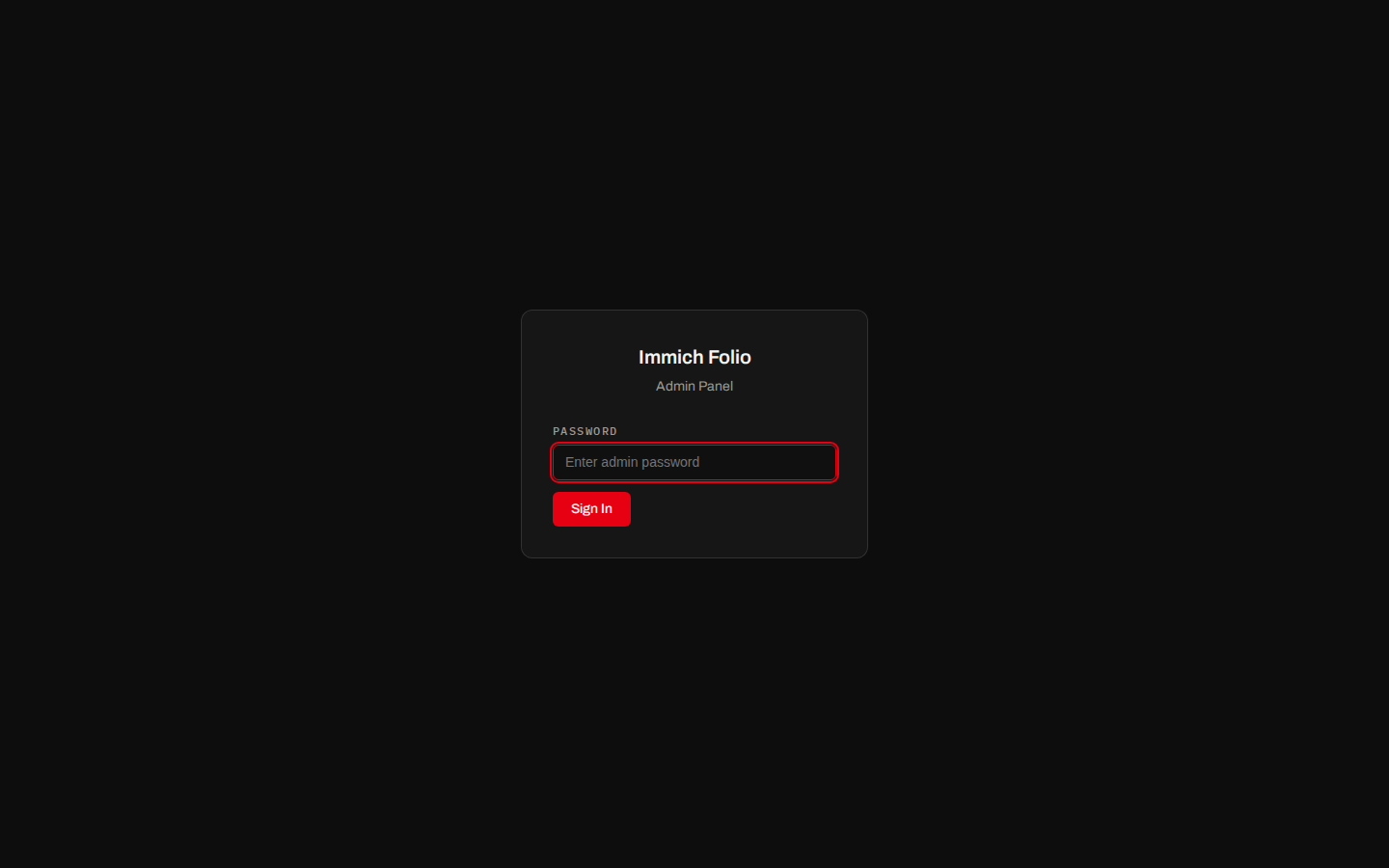
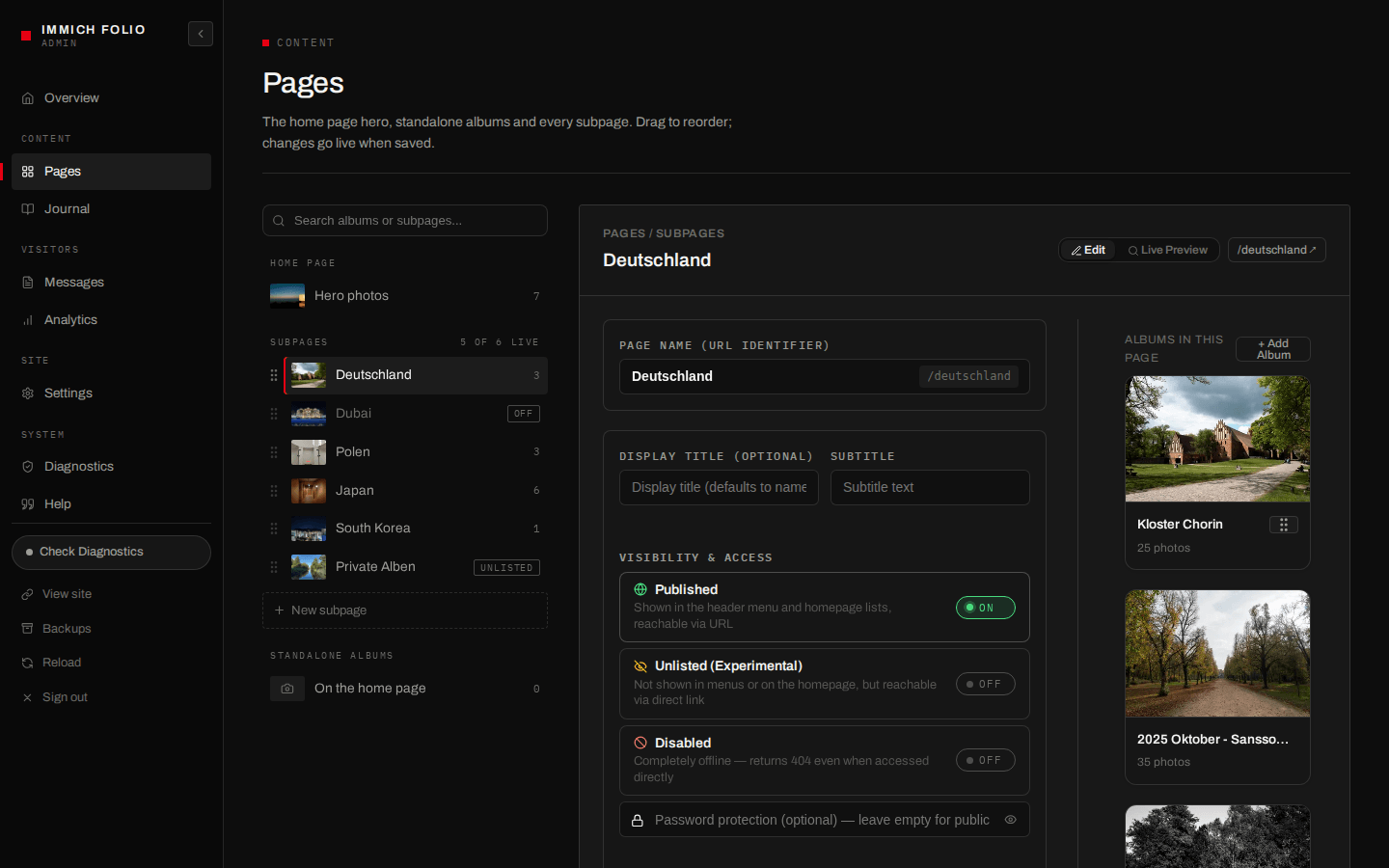
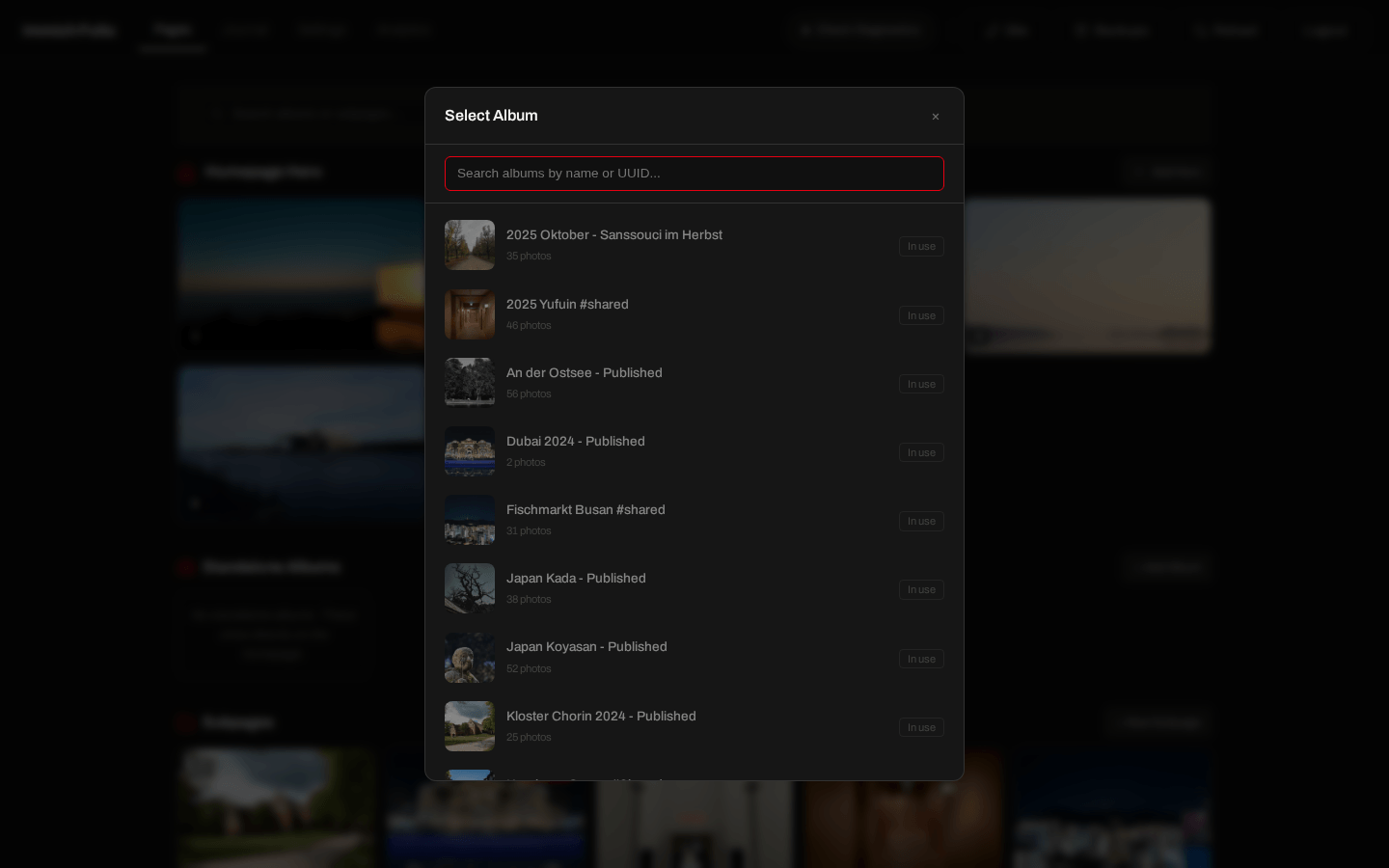
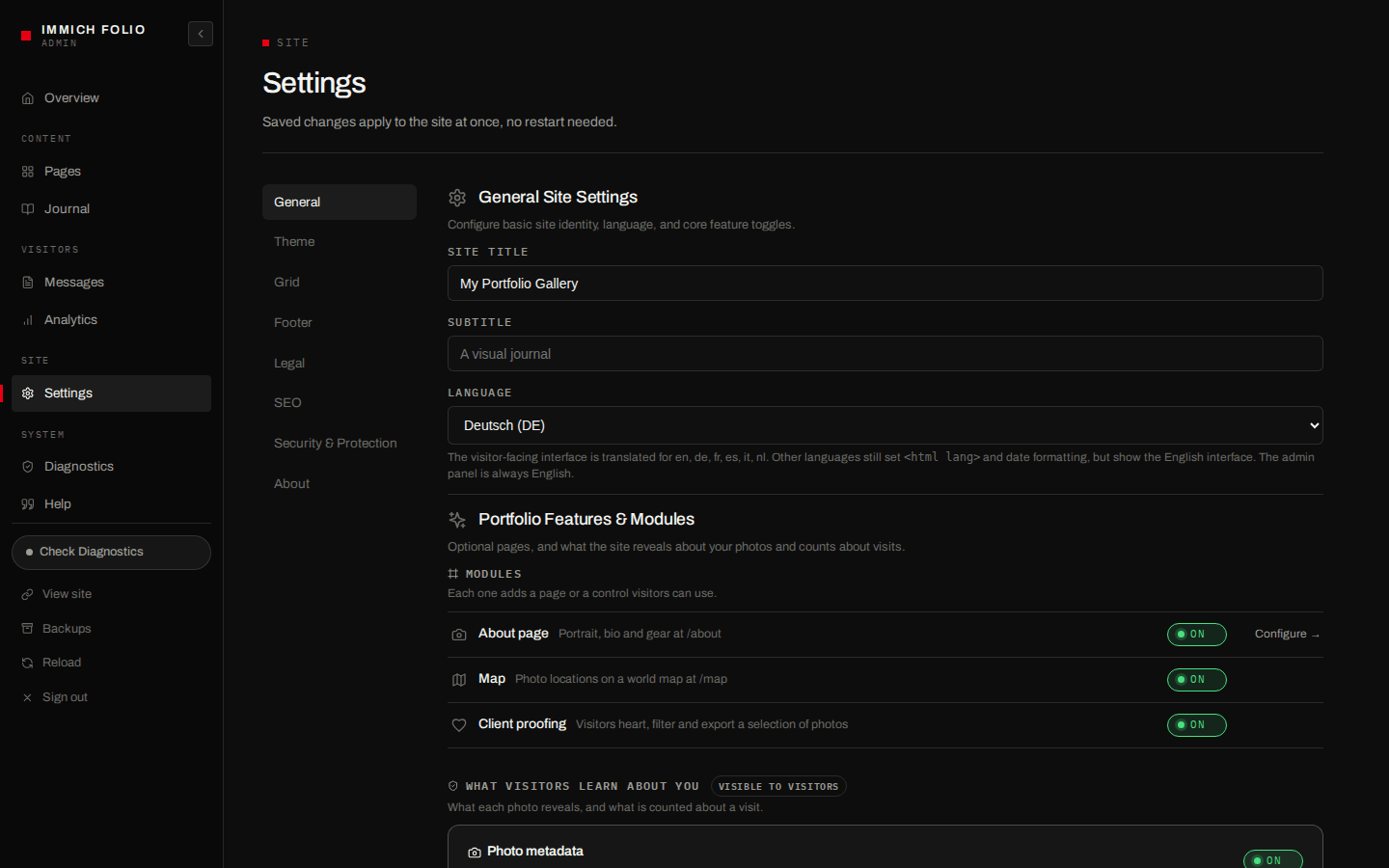
Login · page builder · album picker · settings editor
→ **[Admin Panel Guide](docs/admin-panel.md)** ## What's New v0.20.0 — zoom, five new presets and photos as you edited them: - **1:1 zoom in the lightbox** — double-click, pinch or press `+` to see a photo at full resolution and judge its sharpness; off by default, switched on for the site, a page or a single album ([guide](docs/gallery-config.md#photo-zoom)) - **Five new theme presets** — Kunsthalle (a grey gallery wall with numbered wall labels), Ma, Cyanotype, Salon and Birch, each in dark and light; the passepartout mat of Studio, Classic and Noir is finally visible too - **Edits made in Immich show up** — crops and rotations from Immich's editor appear in the grid, the lightbox, share images and downloads - **No GPS in downloads** — original downloads and ZIPs keep camera data and colour profile but lose the coordinates and sub-city place names ([advisory](https://github.com/ralksta/immich-folio/security/advisories/GHSA-g4xf-4285-4cv4)) - **Legal pages on a locked site** — with a site password set, the Impressum, the privacy page and the contact form stay reachable, and unknown pages answer a real 404 **Upgrade note:** zoom needs `zoom: true`, and for HEIC/RAW photos Immich's _Full-size image_ setting in JPEG format. If you build the Docker image yourself, keep `content/` mounted as a volume; if you ever pushed a self-built image, see the [changelog](CHANGELOG.md) for what to rotate. Security fixes ship in normal releases, so **running the latest release is the recommended baseline**. → Full history in [CHANGELOG.md](CHANGELOG.md) and the [GitHub releases](https://github.com/ralksta/immich-folio/releases) ## Tech Stack - **Next.js 16** (App Router, standalone output) - **React 19** - **TypeScript** - **Vanilla CSS** (no framework) ## Contributors Immich Folio is maintained by [@ralksta](https://github.com/ralksta) and made better by the people below. Thank you — every one of these made the project easier to live with. - **[@lancetm714](https://github.com/lancetm714)** — built the setup wizard that turns a fresh install into a few clicks in the browser instead of hand-written config files. Also added custom favicons, so your portfolio gets its own icon in the browser tab, and made a gallery with no albums yet a perfectly valid starting point rather than an error. In v0.15.0, made client proofing work properly: the selection bar floats again with page transitions on, and it is readable in light mode. Also brought links to journal quote attributions. In v0.17.0, built the ZIP download: a whole album, or just the photos a client picked, as one archive of the originals — streamed, so even a large shoot arrives complete. In v0.18.0, kept accent-coloured buttons readable when the accent is light, and made a mistyped accent fall back to the theme instead of turning every button invisible. In v0.19.0, gave the proofing dialog's _Email to photographer_ an actual recipient. - **[@RichKidsDev](https://github.com/RichKidsDev)** — noticed that the Impressum still cited the TMG, which the DDG replaced in 2024. That report turned into a proper overhaul in v0.18.0: the right law by default, a heading you can change for other countries, clickable contacts and a contact form as a second channel. In v0.19.0, reported that _Email to photographer_ opened a mail with nobody in the _To:_ line. - **[@ImScheinox](https://github.com/ImScheinox)** — found and fixed portrait photos rendering as landscape tiles, because the grid ignored the camera's EXIF orientation flag. That brought the masonry layout's stagger back for anyone whose camera records portrait frames that way, which is most of them. - **[Jules](https://jules.google.com)** — an automated reviewer that has been quietly hardening the project in the background: better screen-reader support in the photo grid, and a series of fixes keeping the public endpoints from being overwhelmed by traffic. - **[Dependabot](https://github.com/dependabot)** — keeps every dependency current, which is most of the reason security fixes land here quickly. Contributions are welcome — see [CONTRIBUTING.md](CONTRIBUTING.md) to get started. Pull requests target the `dev` branch. ## License MIT License — free to use and modify for the Immich community.